

Willkommen bei Original-Autoradio.de
Erleben Sie das Gefühl von Nostalgie und Modernität zugleich mit unseren vielfältigen Angeboten an Oldtimer- und Youngtimer-Autoradios. Ob Sie sich für ein originales Radio von Marken wie Alpine, Becker, Blaupunkt, Grundig oder original BMW, Mercedes-Benz, Porsche* usw. entscheiden oder lieber ein Retro-Autoradio bevorzugen, bei Original-Autoradio.de werden Sie fündig.
Aber nicht nur Autoradios bieten wir Ihnen an. Auch CD-Wechsler, Soundsysteme, Lautsprecher, Subwoofer und automatische Antennen gibt es bei uns zu entdecken. Mit der hochwertigen Technik von RetroSound im klassischen Design können Sie Ihrem Oldtimer oder Youngtimer das gewisse Extra verleihen.
Lassen Sie sich jetzt von unserer großen Auswahl an Original-Autoradios und Zubehör inspirieren und entdecken Sie alles, was wir zu bieten haben!
*Alle genannten Marken sind Eigentum der jeweiligen Inhaber.
RetroSound - Hochwertige Technik im klassischen Design

Bei der Marke RetroSound finden Sie hochmoderne Retro-Autoradios mit neuester Technik und einem klassischen Design, perfekt für Ihren Youngtimer oder Oldtimer. Wir bieten drei universelle Retro-Autoradio-Modelle an: "Motor-1DAB", "Motor-2DAB" und "Motor-6DAB", die unzählige Blenden und Knopfkombinationen bieten und Ihnen über 365.000 Kombinationsmöglichkeiten für Ihr Retro-Autoradio ermöglichen.
Sie werden sicherlich ein Design finden, das perfekt zu Ihrem Oldtimer oder Youngtimer passt. Wir haben auch spezielle Geräte wie das "Model Redondo" für klassische Mopar-Autos, das "Model Newport" für amerikanische Youngtimer mit 1 1/2 DIN hohen Autoradios und das "Model Apache" für einige amerikanische Oldtimer mit ultraflachen 1/2 DIN Radios.
Wichtig für H-Kennzeichen:
Sie müssen sich keine Sorgen machen, dass das H-Kennzeichen Ihres Fahrzeugs durch den Einbau eines RetroSound Autoradios gefährdet wäre. Beim Kauf erhalten Sie eine Bestätigung von verschiedenen Prüforganisationen (TÜV SÜD, TÜV Rheinland, TÜV Nord, Dekra, KÜS, GTÜ), die besagt, dass das "RetroSound Autoradio" samt fahrzeugspezifischer Blende und Bedienknöpfen in Oldtimer mit H-Kennzeichen installiert werden darf und die Vergabe des H-Kennzeichens nicht verhindert.
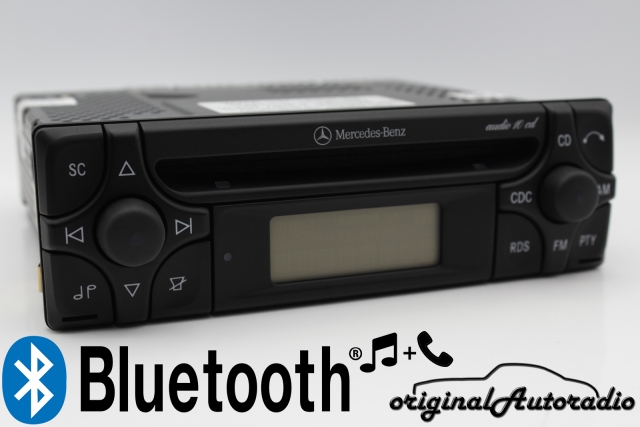


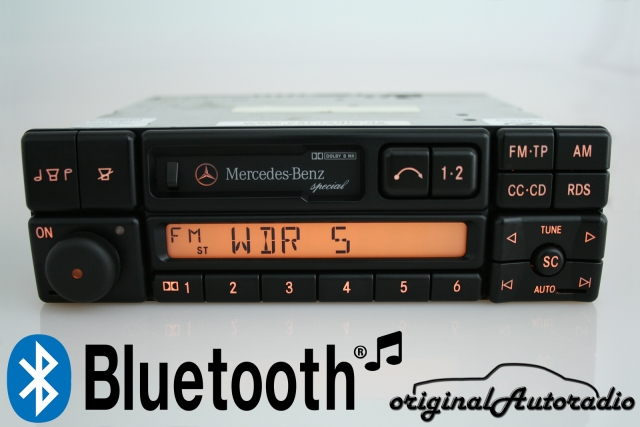


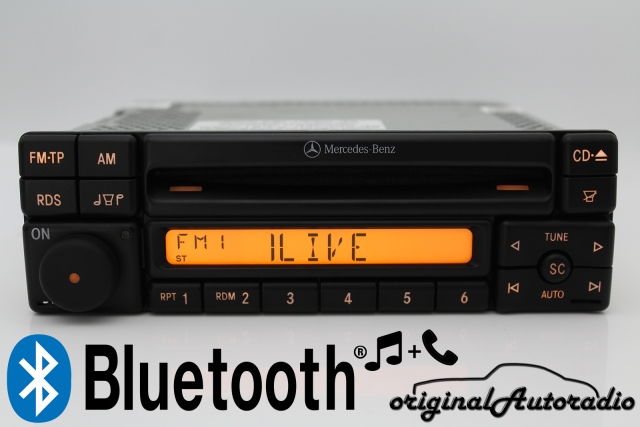


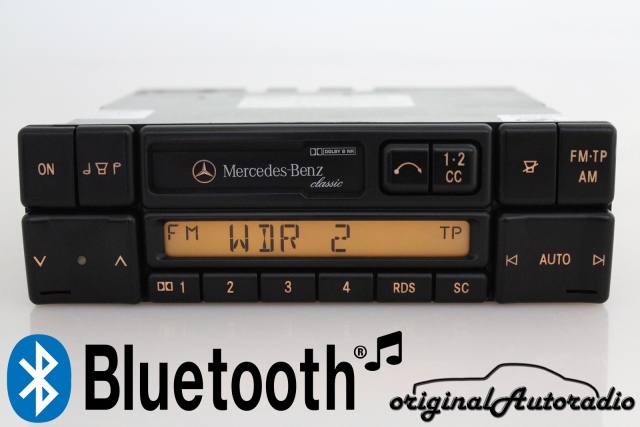


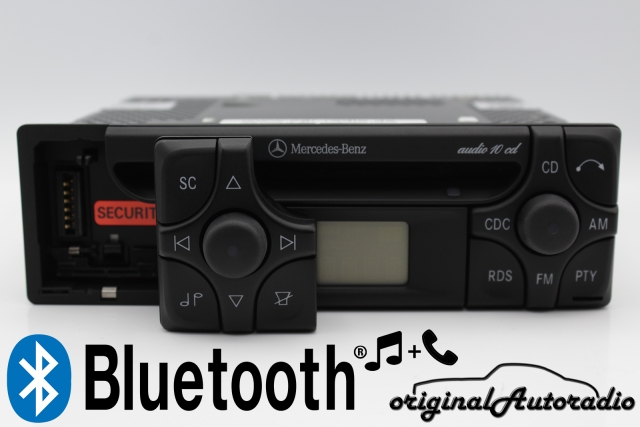


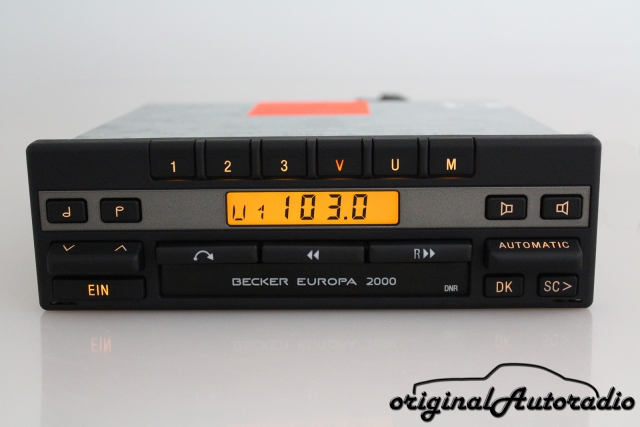


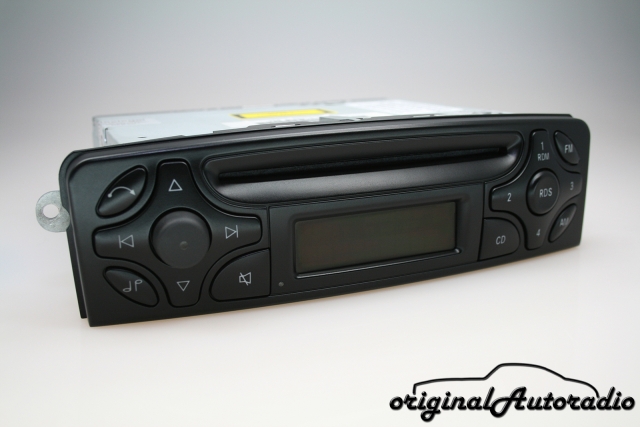


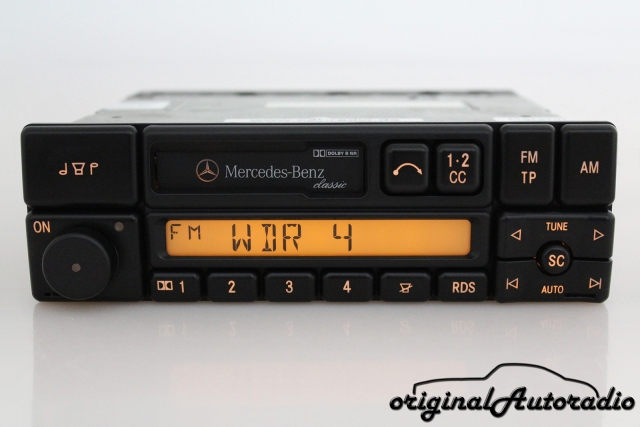


Original Autoradios

